
October 2026 Edition•Vector Systems Archive

Give Every Vector Outline a Clear Role

Explore cases about stroke weight, hierarchy, inner and outer contours, small-scale detail, and outline consistency. Refine your CorelDRAW outline configurations to bring lasting optical balance to every vector illustration.

Contents

Architecture Section

Different outline functions

Research & Editorial Team

Specialists Behind the Analysis

Independent vector researchers and technical illustrators dissecting contour behaviors, scaling dynamics, and line priorities.

Marcus Thorne
Vector Architecture

Marcus Thorne

Lead Technical Editor

Over 12 years of experience in structural stroke systems, pen tool constraints, and parametric outline calibration.

Focus: Contour Priority & Weights

Elena Rostova
Scale Analytics

Elena Rostova

Visual Scalability Specialist

Specialized for 9 years in micro-scale icon preservation, stroke degradation thresholds, and cross-medium rendering.

Focus: Downsizing & Path Integrity
Julian Mercer
Topology Research

Julian Mercer

Precision Topology Researcher

A decade studying line weight optical illusions, interior-exterior contour balance, and layered geometry hierarchy.

Focus: Optical Balance & Boundaries
Editorial Qualification

Is OutlineRole Notes Right For You?

We examine stroke hierarchy, vector boundary integrity, and optical scale distortion in CorelDRAW. Review our scope to ensure our technical notes match your exact design workflow.

Primary Audience

Who This Is Built For

  • Vector Illustrators & System Designers: Creators who need rigorous rules for stroke hierarchy, node alignment, and scale stability across repeated artboards.
  • Pre-press & Plotter Specialists: Production artists dealing with stroke thickness conversion, hairline cutting boundaries, and physical print tolerance.
  • Icon Set Standardizers: Designers maintaining uniform visual weight across multi-scale pictogram families in CorelDRAW workspaces.
  • Technical Case Readers: Professionals looking for analytical breakdown articles rather than surface-level software overviews.
Out Of Scope

Who It Is Not For

  • Asset & Template Seekers: Anyone searching for pre-made vector graphics bundles, free downloads, or instant decorative drag-and-drop assets.
  • Software Support Inquiries: Users needing official CorelDRAW licenses, technical software bug troubleshooting, installation help, or customer accounts.
  • Novice Interface Walkthroughs: Beginners looking for basic introductory tours of default toolbox icons and standard menu controls.
  • Social Media Gimmicks: Readers expecting user comments, community discussion forums, or social media sharing widgets.
Vector Boundary Preservation

Scale Dynamics & Structural Integrity

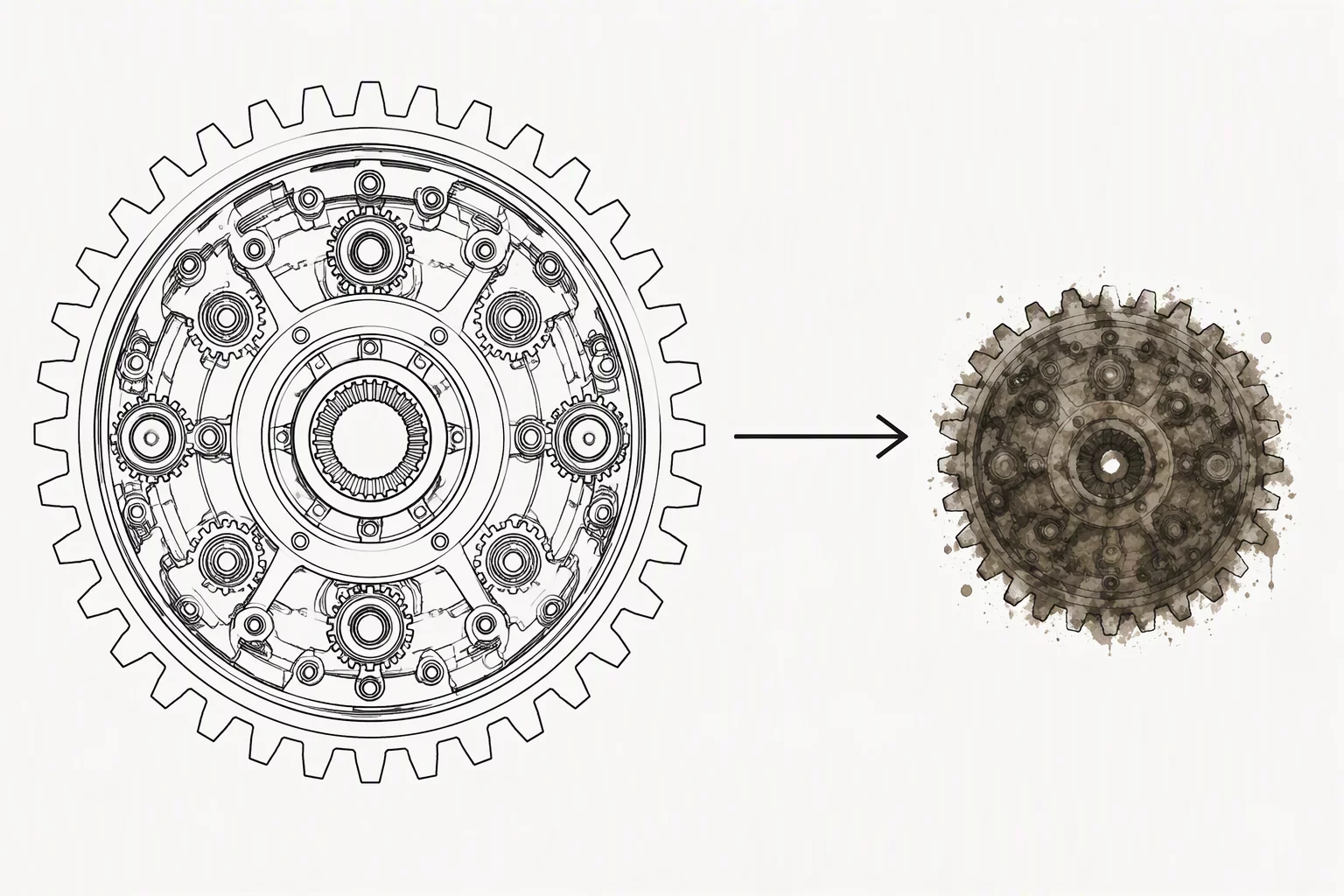
Examining optical anomalies, boundary breakdown, and stroke weight shifts when reducing vector assets across extreme dimensions.

Stroke Hierarchy System

Governing Boundary and Contour Hierarchy

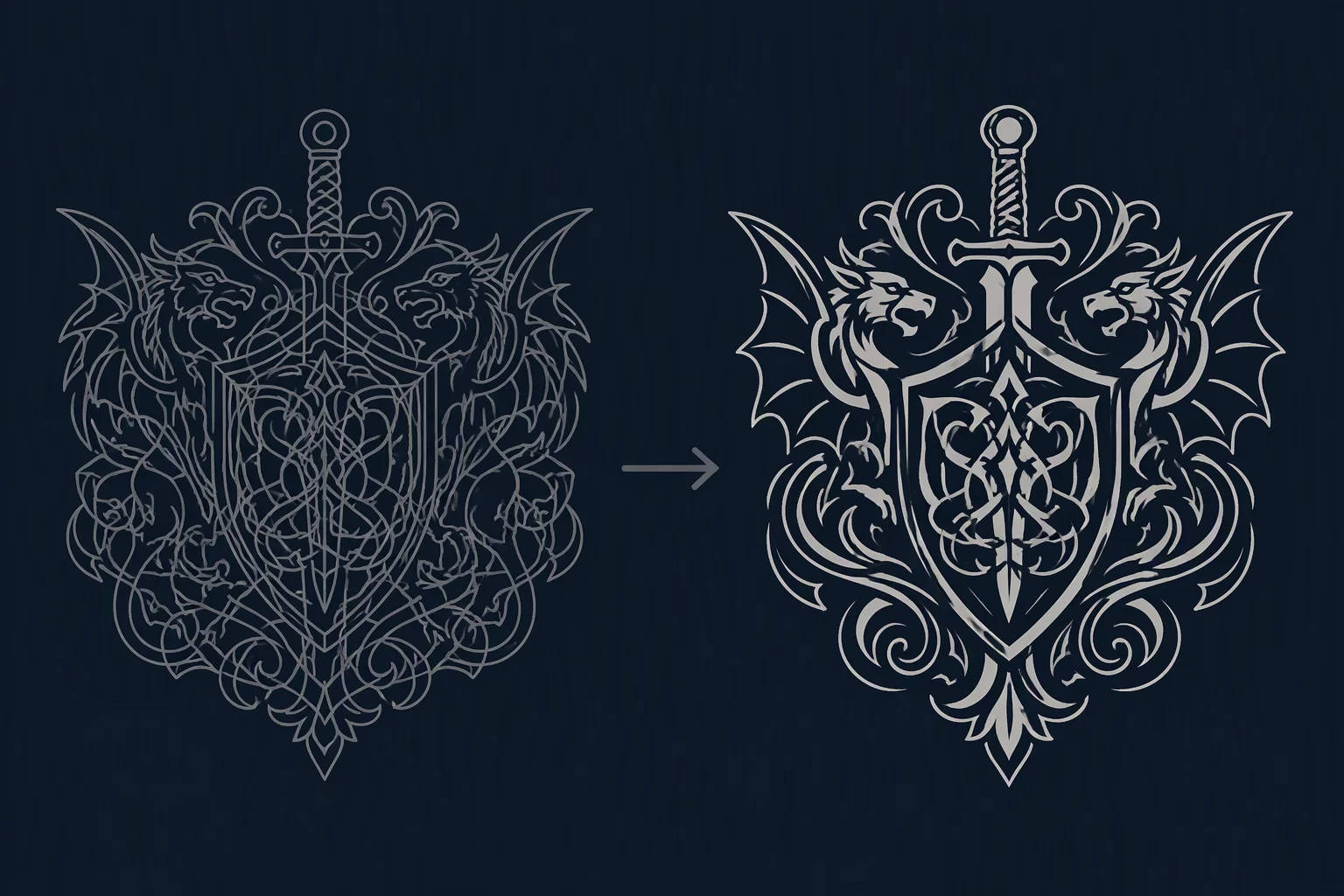
Explore foundational vector outline rules to preserve structural clarity, visual depth, and readability across complex graphic layouts.

Thick Versus Thin RuleContrast Rule
2026-08-18• Aisha Patel

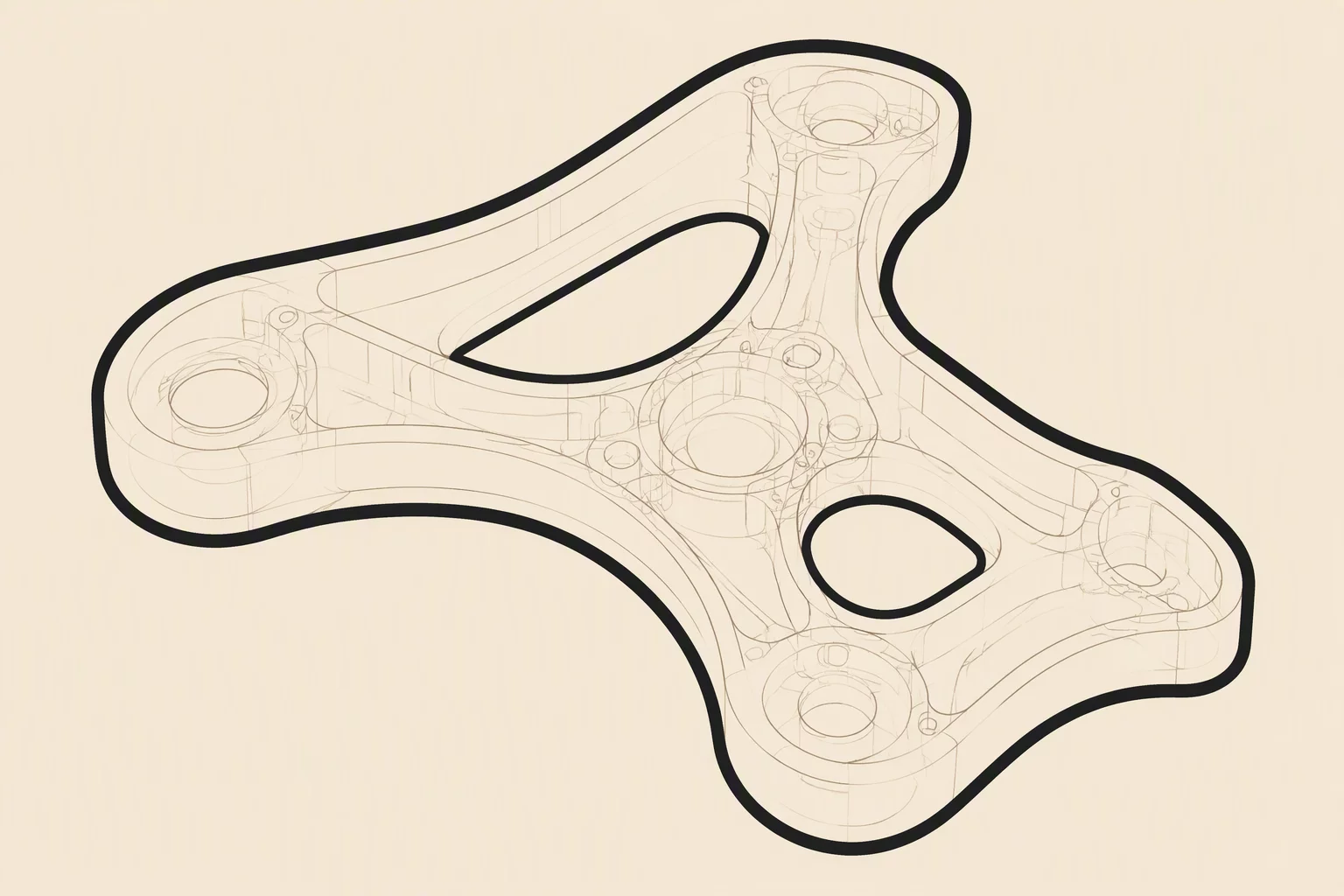
Thick Versus Thin Rule

Applying classical optical calibration principles to distinguish structural edges from subordinate internal lines.

View Case Study
Consultation Booking

Book an Editorial Vector Session

Book a dedicated session to review your vector assets and establish an intentional stroke hierarchy across varied display scales.

Step 1 • Focus Topic

Select Consultation Scope

We audit your outlines to ensure your stroke hierarchy stays razor-sharp under extreme scaling.

Step 2 • Call Length
Step 3 • Preferred Window
Active Selection
Stroke Hierarchy & Weights • 45 Min • Tue, Oct 20 • 10:00 AM EST
Standard US format required (e.g., +1 555-123-4567).